 NuKey Auto
Your Nuki smart lock, on your car screen
Open or lock your front door from Android Auto, without picking up your phone.
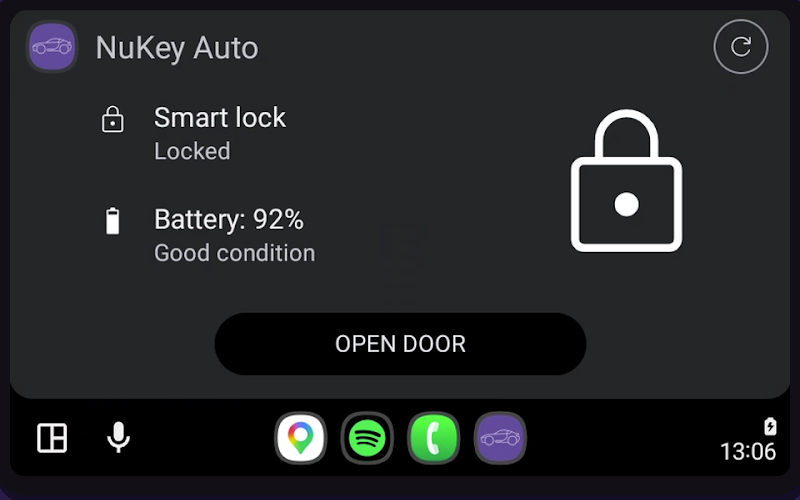
Built for the moment you pull up
Lock status, battery and one clear action. Nothing to dig through while you drive.
Android Auto first
Operate your smart lock from your car screen. Tap to open or lock your door while keeping your eyes on the road.
Safe by design
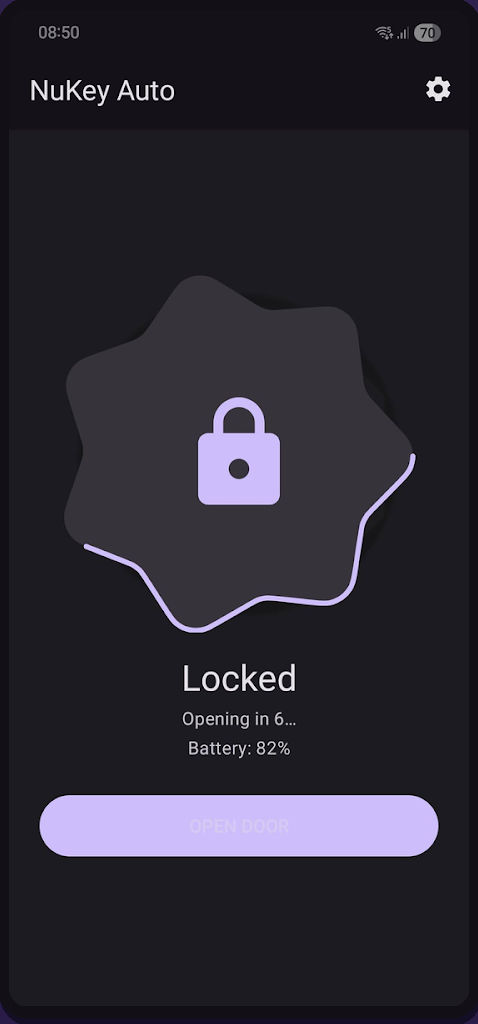
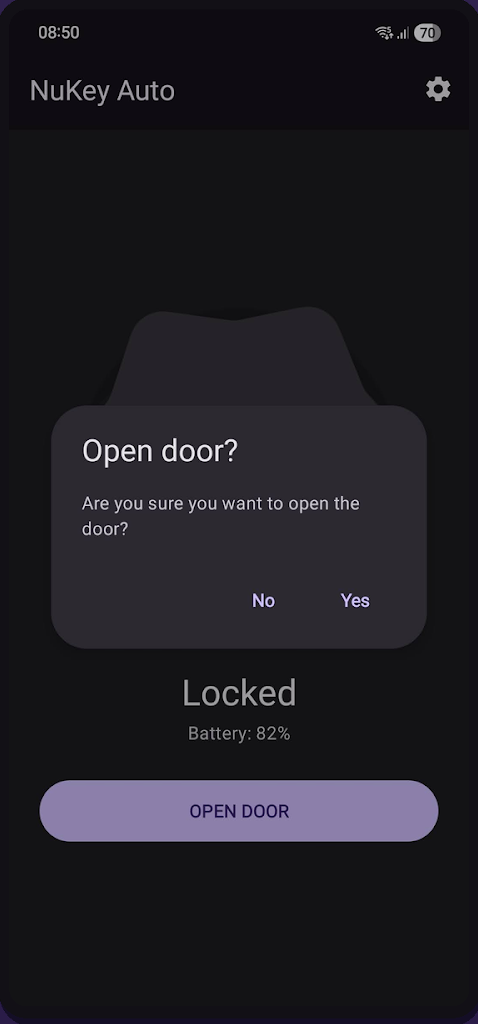
Configurable confirmation dialogs and a cancellable countdown delay prevent accidental door openings. You stay in control.
Simple and fast
See your lock status and battery at a glance. One tap to act. No clutter, no accounts, no subscriptions.
Also on your phone
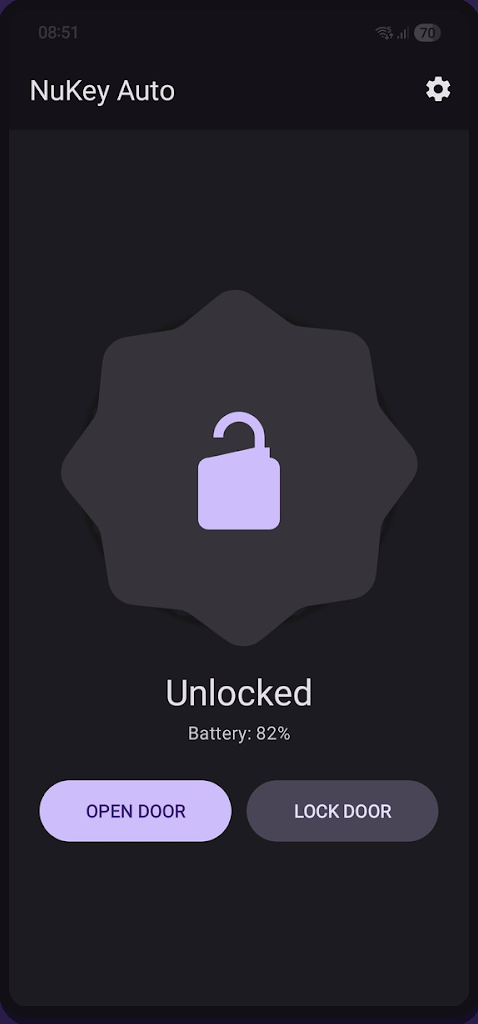
The same controls work as a standalone phone app, with Material 3 and dynamic colors.
How it works
Get started in under a minute.
Get your API token
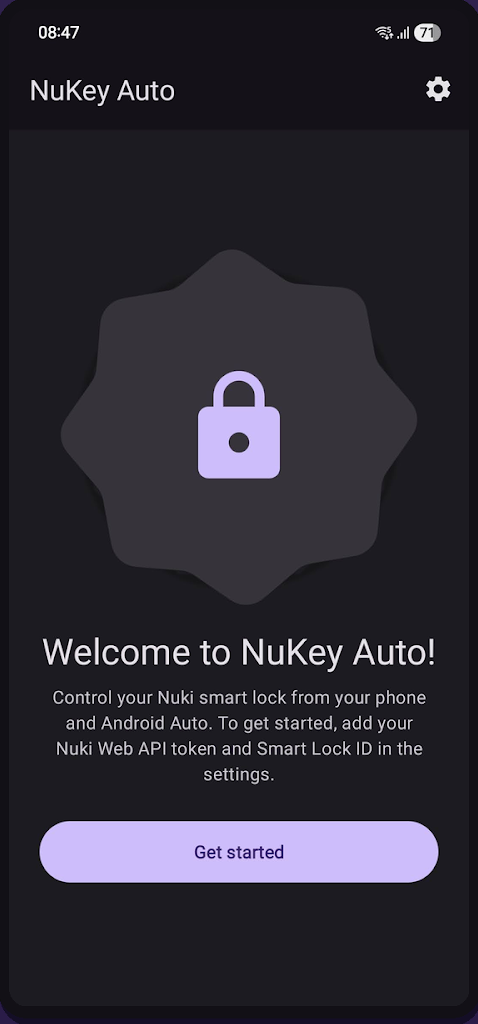
Create a token at web.nuki.io and copy your Smart Lock ID.
Enter in Settings
Open NuKey Auto, go to Settings, and paste your credentials.
Connect to your car
Plug in your phone and NuKey Auto appears in Android Auto.
Tap to control
Open or lock your door from your car screen.
Private
No analytics, no tracking, no ads. Your Nuki credentials stay encrypted on your device and only go to the official Nuki Web API.
Read the privacy policyOpen source
The full Kotlin source is on GitHub. Read how it works, report a bug or suggest a feature.
Browse the source